
Best for: People who prefer a single application to capture their daily screen recording tasks, tutorials, gameplay, and video calls.
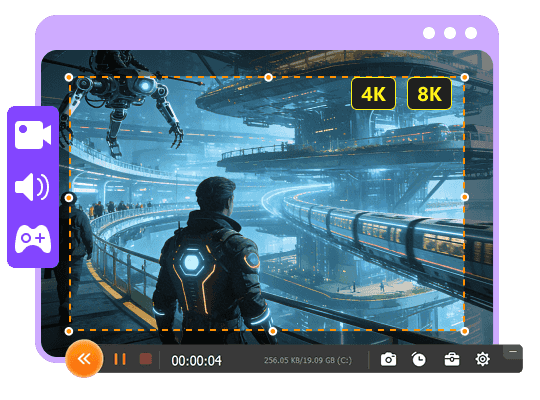
Aiseesoft Screen Recorder
 100% Secure. No Ads.
100% Secure. No Ads.
Over a period of time, I have experimented with many Android screen recording apps, and a fast way to realize that record buttons by themselves are not enough to make an app great. Some were okay for quick video recording, but they showed a big watermark. Others would deliver better visual results, but they were littered with advertisements, or basic functions had been hidden. Also, if you were recording a game, it was quite another ballgame, as a higher frame recording rate led to problems. Here, I will share Android screen recorders that did really well in my trials by comparing them on the grounds of recording quality, internal microphone, facecam capability, resolution, watermarks, ads, and more.
How We Test and Review
For each Android screen recorder, I used it like people actually do. Recording app how-tos, gaming videos, and short bits of screen. I noted down my impressions about the initial setup difficulty, whether the internal audio and facecam features performed correctly, and if the appearance of the recordings after saving was to my liking. Other things like watermarks, ads, recording time duration, and system performance while the devices were recording for a long time were also factors under my observation. Based on all that I had discovered, I analyzed how different apps would suit a range of requirements.
Comparison Table: Best Android Screen Recorders
| App | Watermark (Free) | Internal Audio | Facecam | Max Resolution | Ads |
| AZ Screen Recorder | No | Yes | Yes | Up to 1080p/60fps+ | Yes |
| XRecorder | No | Yes (Android 10+) | Yes | Up to 1080p/60fps | Yes |
| Mobizen | Removable/Clean Mode | Yes (Android 10+) | Yes | Up to 1440p/60fps | Yes |
| Glip | No | Yes | Yes | Multiple resolution modes / 60fps | Limited |
| ADV Screen Recorder | No | Device-dependent | Yes | Up to 1080p | Yes |
| Google Play Games | No | Game audio | Yes | 720p / 480p | No |
| Aiseesoft Screen Recorder | No | Yes | Yes | Up to 4K | No |
Hardware, recording setup, OS version, and Android device can all affect features and maximum recording quality.
My testing of the applications covered different aspects such as fast screen captures and instructions, gaming, and high-quality recordings. Every app for recording the screen on Android is good in its own way, so I'm going to point out what was done well, what each lacks, and who is going to be most satisfied.
Best for: People who prefer a single application to capture their daily screen recording tasks, tutorials, gameplay, and video calls.
Rating:4.5/5
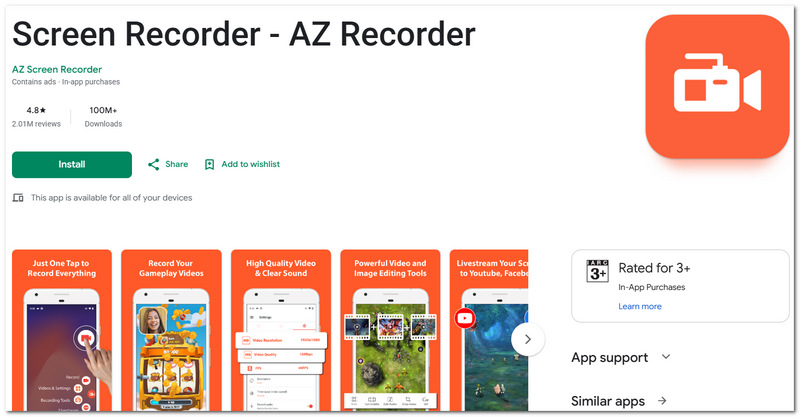
AZ Screen Recorder is an Android screen recorder app designed to capture your phone screen and record it for scenarios such as taking photos, creating instructional tutorials, making video calls, etc., as well as other screen activity. You can use AZ Screen Recorder to record internal audio, microphone sounds with a facecam option, do screen drawing, and also edit videos in the basics.
PROS
CONS
User Experience
I found AZ Screen Recorder for Android to be one of the easier recording apps. I think it works very well when you need to quickly record a task with your Android phone. It was a good experience, as the floating controls helped us to start recording and pause or stop the recording at the touch of a button without being interrupted.
Best for: Designing training videos, tutorials, or guide demonstrations where pointing and highlighting are essential on the screen.
Rating:4.5/5
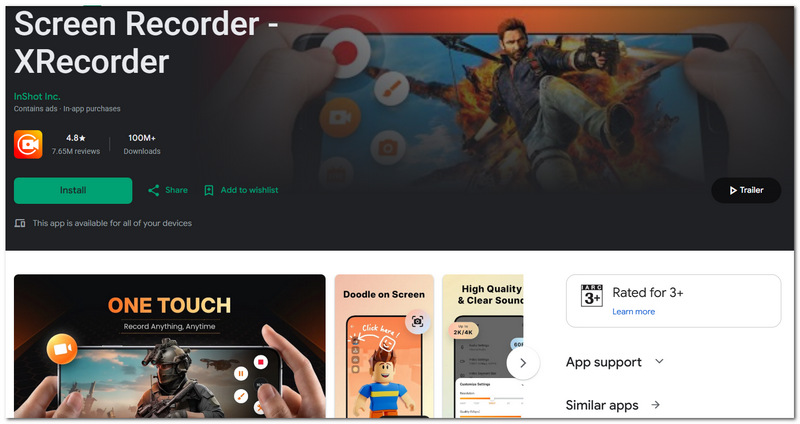
XRecorder is a screen recorder application with the ability to draw directly on the screen on top of screen capture, facecam, internal audio capture, and elementary video editing functions. It has a video resolution of 1080p at a maximum of 60 frames per second. For recording internal audio, users have to go on Android 10 or newer device.
PROS
CONS
User Experience
I was also delighted with using this screen recorder for Android. Users can be quickly controlled from the floating window, particularly when they want to focus on a particular area during a tutorial. A brush tool was definitely the most impressive thing that I found in this app because I could highlight any part of my screen without changing anything in the final video.
Best for: Users with older Android phones who want a screen recorder that can change the recording quality and frame rate based on their device.
Rating:4.0/5
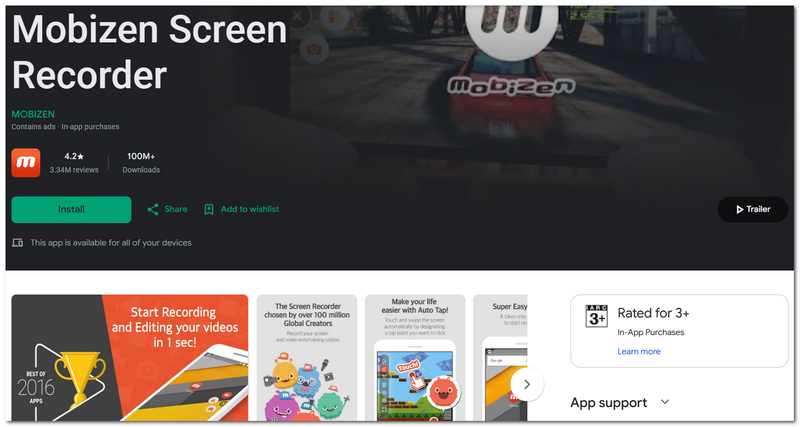
Mobizen is an Android screen recording software that you can use to record your phone screen and show your face with facecam, draw over the recorded video, and later edit the clips. It is capable of recording videos with resolutions ranging from 240p to 1440p and frame rates up to 60 FPS, contingent upon the features of your mobile phone device.
PROS
CONS
User Experience
I found that screen recording software for Android users can be adjusted quite easily with Mobizen because I could lower the resolution and frame rate when recording on less powerful hardware. The automatic recording settings were also helpful when I wanted to avoid unnecessary lag.
Best for: Mobile gamers who want clear gameplay recording, including game audio and microphone.
Rating:4.5/5
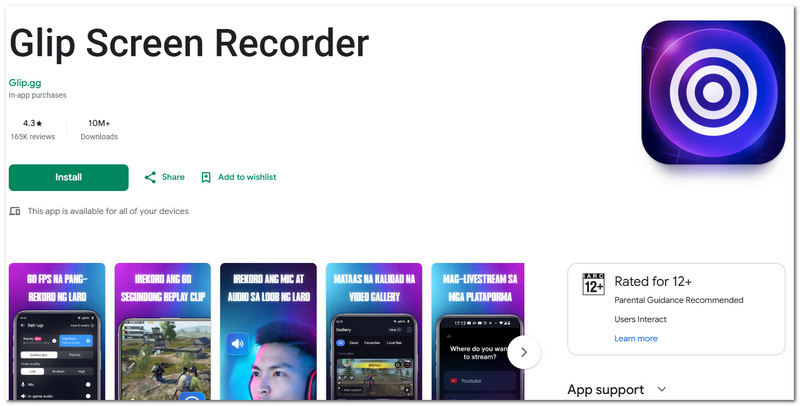
The recording features of Glip focus on Android game recording and 60fps gameplay capture. In addition, it allows the capture of the game's internal audio and the player's voice of the player, together with setting different bitrates and resolutions, and live streaming on YouTube, Twitch, and Facebook.
PROS
CONS
User Experience
I like to use Android apps for screen recording in particular built for gamers, and Glip feels more like it's aimed at that purpose than the others. The 60 fps frame rate helped the video look smooth even during intense gameplay scenes, yet I'd still take a listen to the audio in case the longer recording gets the sound slightly messed up.
Best for: Best for users interested in a lightweight recorder providing extensive control over the recording engine.
Rating:4.0/5
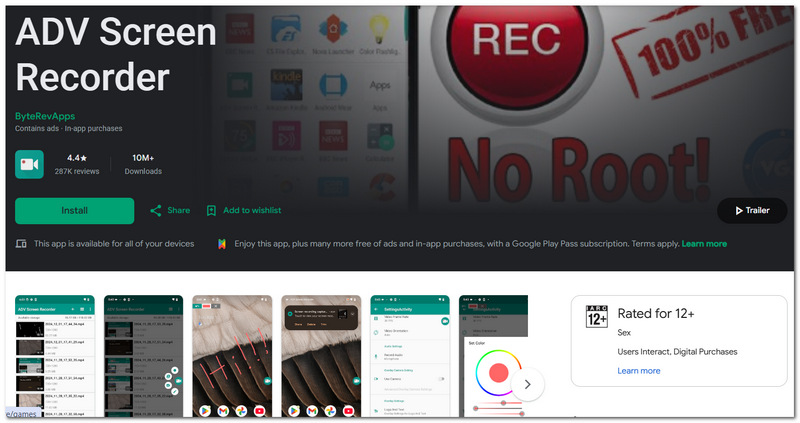
ADV Screen Recorder is a lightweight screen recorder for Android that features two recording modes: Default and Advanced. It also supports on-screen sketching, filming with the front or back camera, text overlays, banners, and basic video trimming without the need to root.
PROS
CONS
User Experience
It's a pretty great free screen recorder for Android for users who want something simple, without a heavy interface. Compared to basic recorders, the dual-engine setup gives you a bit more flexibility, but then again, I found the UI a bit less friendly than some other popular apps.
Best for: Casual gamers who only need to record supported games without installing another screen recorder.
Rating:4.0/5
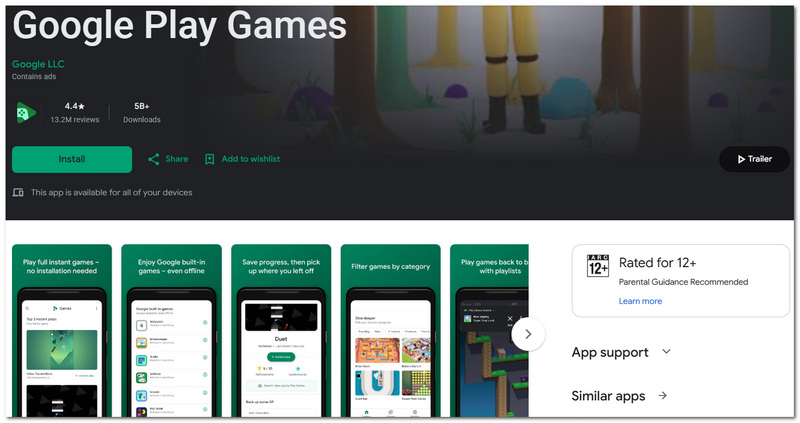
Google Play Games has a simple gameplay recorder for some games that allows you to record gameplay from the app without any further effort. It only features some video recording options where you can choose the video quality and voice or face-camera reactions, but only for some devices and according to availability.
PROS
CONS
User Experience
The reason that Google Play Games was the go-to option for me, when looking for an Android screen recorder which I mainly used for sporadic gameplay, was that with the recording functionality integrated within the games, I didn't have to install nor was there a separate recording tool or configure one. My main gripe with it was the lack of control over the recording options, and because of this, for a video to be serious, a professional recording tool would be the option of choice.
Best For: Android users who desire higher-quality recording and more control by having their phone mirrored to the computer.
Rating:5.0/5
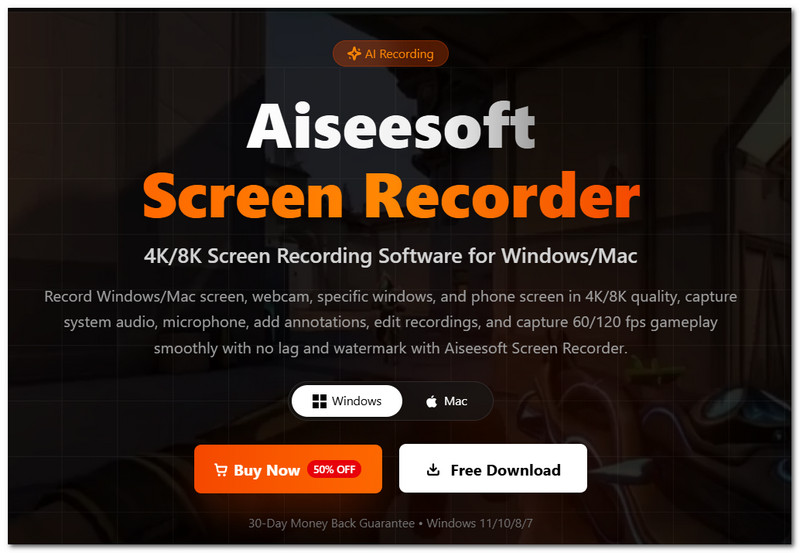
Aiseesoft Screen Recorder is a desktop application that comes with a specific Phone Recorder feature for capturing Android screens mirrored onto a computer. By linking via Wi-Fi or USB, you will be able to record the mobile screen being displayed on your PC and customize the screen's resolution and audio settings to some extent.
100% Secure. No Ads.
100% Secure. No Ads.
PROS
CONS
User Experience
What the best screen recorder for Android means to me will always change, considering the amount of control I want. Aiseesoft Screen Recorder required setting up a bit more because you needed to mirror the phone first. Still, I enjoyed having the bigger PC preview and more control over the recording quality once the connection had been made.
Why does screen recording slow down my game?
Screen recording uses part of your phone's processor, graphics resources, and storage while the game is running. If your game is experiencing dropped frames, try reducing the resolution, FPS, or bitrate before you switch to other apps.
Can I record a video when my device is set to Do Not Disturb mode?
Yes. Do Not Disturb will help avoid showing the incoming call notifications in the recording. Still, the actual behavior of notifications depends on the Android version you are using and your notification settings.
Can I lock my Android phone and keep screen recording?
In most of the cases, locking your phone while screen recording is going on stops or halts the recording because screen recording is a function that only captures the screen that's visible. But, there might be situations where continuing the recording while the device is locked is possible.
Conclusion
When these seven apps are compared side by side, obviously, which is the best app for recording the screen on Android depends heavily on the purpose of your screen recording. Each screen recording option has its merits, depending on aspects of recording quality, your feature set, as well as the level of manual control you desire in your app.
 5 Best Apps to Control Android Phones from PC [Updated Review of]
Looking for the best app to control your Android phone from your PC without touching your phone? Do a seamless remote control with the apps included here.
 [Updated] Top 20 Best Lock Screen Apps for Android
Looking for best lock screen apps for Android phone? This article lists 20 best Android lock screen apps software and widgets for your reference.
 Android Screenshot: How to Screenshot on Android
How to screenshot on Android? How do you screenshot on Samsung Galaxy S4/S5/S7, LG G4/G5/G6 and other Android devices of HTC, Sony, etc.? Read this article.
 Leave your comment and join our discussion
Screen Recorder
1. Screen Recorder 2. Screen Capture 3. Screencast-o-matic 4. Fraps 5. Snagit 6. Camstudio 7. Dxtory 8. Action Screen Recorder 9. Microsoft Screen Recorder 10. Mac Screen Recorder 11. Desktop Screen Recorder 12. Screen Recorder Apps 13. Screen Recorder No Root 14. iPhone Screen Recorder 15. iOS Screen Recorder 16. Android Screen Recorder 17. Online Screen Recorder
Aiseesoft Screen Recorder is the best screen recording software to capture any activity like online videos, webcam calls, game on Windows/Mac.
100% Secure. No Ads.
100% Secure. No Ads.

*Required field
*Please enter a valid email
