Compress any audio files like MP3, AAC, M4A, WMA, FLAC and AIFF to smaller size without losing quality.
Download App to enjoy more features without limits!
Compress Audio in 3 Simple Steps
1Upload the audio you'd like to shrink to this audio reducer.
2Adjust the file size and other parameters based on your needs.
3Export the reduced file to your computer.
Compress Audio Files Online for Any Uses
Aiseesoft Audio Compressor is an online audio size reducer that lets you compress audio and music for free without harming quality. It is online, meaning there is no download and install application. All you have to do is choose and upload your audio file, choose the file size, and save the smaller compressed file. You can use this audio reducer in any case like WhatsApp.
Compatible with Audio Formats in MP3, M4A, and More
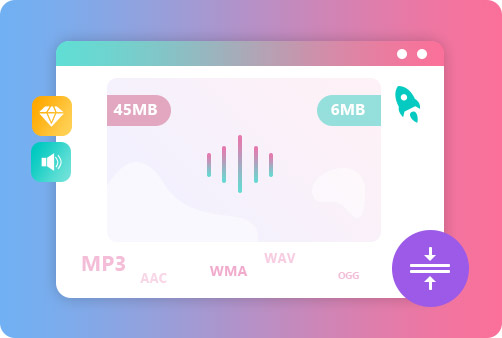
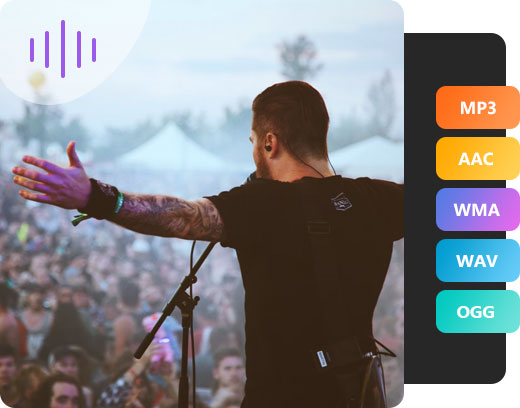
This free audio compressor can reduce the size of various audio files and works with any popular audio format, such as MP3, AAC, WMA, M4A, AAC, OGG, DTS, AMR, MP2, and many more. So, you can easily decrease the file size of any audio and save the compressed files for backup, transfer, and sharing.
Reduce Audio File Size below 16MB Losslessly
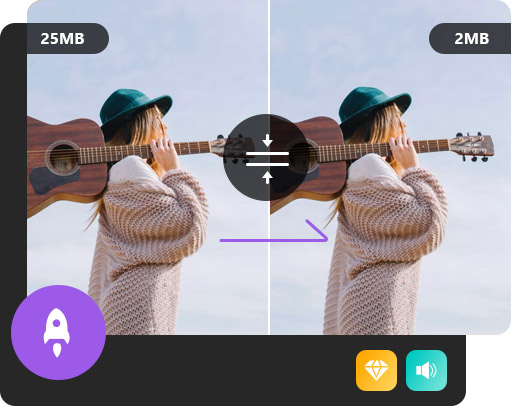
One of the best things about this audio compressor is its compression speed. You just need to upload your file and choose a target file size, and this online audio shrinker will reduce its size to 16MB or even lower while maintaining its original quality as much as possible.
Full of Great Features
Aiseesoft Video Compressor not only helps you reduce file size online at a fast speed, but provides the best services for you to enjoy the compression freely. Here are some highlights about this video reducer.
Free
It is completely free to use. And you don't need to download or install the software.
Safe
No one except you will have access to your files.
User-friendly
It is pretty intuitive and you don't need to learn anything to use it.
Web-based
It works on any web browsers, so you don't need to install any software.
Flexible Options
You can adjust the bitrate, sample rate, and channels. And you can also cut the audio file.
Preview
You are able to preview the file before the compression.
The audio compression can decrease the file's dynamic range and let you listen to the sound more clearly. To learn more details about audio compression, click here.
What audio files can I compress?
Almost any audio file can be compressed in this online audio compressor. It supports MP3, M4A, AAC, OGG, WMA, DTS, M4R, MP2, MKA, AC3, M4B and more.
How do I compress audio files?
First, you need to upload your audio file to this online audio reducer. Next, you need to choose a target file size. Finally, click the Compress button and then save it to your computer.
Is it easy to use this online audio compressor?
With Aiseesoft Audio Compressor, you can easily make your audio file smaller without any special audio editing skills.
Will the quality be impacted after the audio compression?
You can feel free to use Aiseesoft Audio Compressor since the audio quality is not noticeably damaged and keeps excellent.
What Our Users Say
Sienna
Aiseesoft Audio Compressor is a fast audio file size shrinker. I can compress my M4A files within seconds.
Hadassah
I am impressed that this audio compressor won't compromise the audio quality. And I can preview the audio before I proceed to perform the compression.
Nikolas
It is simple to use. When I visit the website, I can quickly find the option to upload my audio file and adjust audio parameters.
Trey
Aiseesoft Audio Compressor can handle any popular audio format. And I don't worry about privacy and safety while using Aiseesoft Audio Compressor.





 DOWNLOAD NOW
 DOWNLOAD NOW