
Aiseesoft Video Converter Ultimate
 100% Secure. No Ads.
100% Secure. No Ads.
Contents
Over the years, I have dealt with tons of GIFs for various reasons like memes, mini guides, social posts, or even website content. One thing I was close to giving up on was how little you can do with GIF files. All in all, they have bigger file sizes, lower quality, are silent, and sometimes behave differently on different platforms. Therefore, I decided to search for the best GIF to video converter which are able to convert GIF animation to formats like MP4, MOV, or AVI without quality loss.
Here, I will mention the tools I myself have tried and reviewed, including different types of desktop software, online converters, and mobile apps. Besides that, I will also tell you about my firsthand experience, like whether the output was blurry, compressed too much, grainy, or had glitches after conversion. The purpose is to make your life easier and get the right converter according to what you really need, whether it's for editing, uploading online, or preserving the highest possible quality.

How We Test and Review
To give each tool a fair test, I used a range of animated GIFs with different sizes, resolutions, and motion effects to check them one by one. Among other things, I evaluated how quickly the tools converted the files, whether the clarity of the images was maintained after export, and whether the grainy dots glitches hiccups, or heavy compression were present in the converted videos. Besides the quality of the final videos, I looked into features such as audio handling filters batch processing, compatibility with different devices, and the overall user-friendliness of the tools to identify which GIF converter to video tool offers the best experience for different types of users.
| Supported Max File Size | Compatibility | Add Audio | Apply Filters | Batch Processing | Best For | |
| Aiseesoft Video Converter Ultimate | No strict limit (depends on device storage/specs) | Windows, Mac | Yes | Yes | Yes | Best overall quality and advanced conversion |
| CloudConvert | Up to 1 GB on free plan | Web-based (Windows, Mac, Mobile) | Yes | Limited | Yes | Fast online conversion without installing software |
| EZGIF | Around 200 MB per file | Web-based | No | Basic | Limited | Quick lightweight GIF-to-MP4 conversion |
| Photos | Depends on phone storage | iPhone/iPad | Yes | Basic editing only | No | Simple mobile conversion for Apple users |
| Shortcuts | Depends on device storage | iPhone/iOS only | Yes (via automation) | Limited | Yes (via workflows) | Automated GIF-to-video conversion on iPhone |
| Canva | Depends on Canva plan/storage | Web, Windows, Mac, Mobile | Yes | Yes | Limited | Social media-ready GIF video creation |
While testing several GIF converter tools, Aiseesoft Video Converter Ultimate was there clearly the best overall option for me. One of the favorite things is that it not only converts GIFs quickly but also retains the animation fluidity and video quality really well, much better than most of the online tools I have tried. Some of the converters ended up heavily compressing the file or introducing noticeable grainy dots after export but this one has managed to keep the resulting video clean and smooth even when converting large animated GIFs to MP4 or MOV formats.

Downloads
100% Secure. No Ads.
100% Secure. No Ads.
Why Choose It?
This is the reason why I am recommending this particular software in the first place. It provides more quality control options, it converts faster and it presents you more editing features than the majority of free online video converters. Moreover, if you are a regular user and appreciate a nice job with smooth, high-quality video output, then this tool would be perfect for you as you will not be heavy on the compression.
My Usage Experience
During my test, the process proved to be swift, and the output MP4 remained stable and high in quality without any interruptions. The tool is also able to handle larger sizes of GIF files, which makes it easy for users to convert animated gif to video.
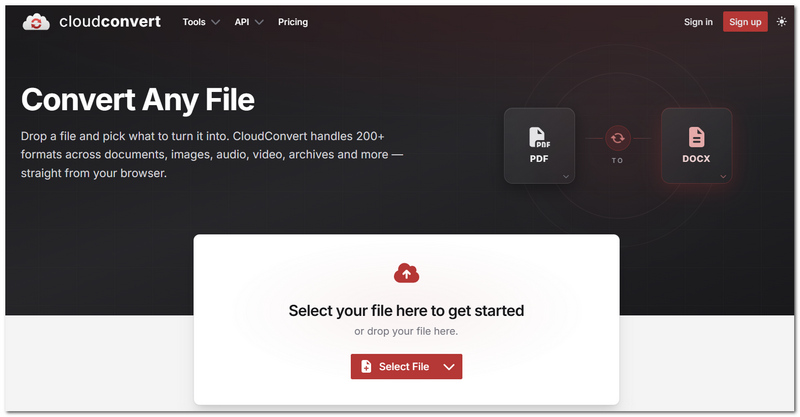
CloudConvert is definitely one of the most convenient online tools I have used to convert GIFs into MP4 and other video formats. It operates right in the browser, so no software installation is required. This aspect makes it handy for quick jobs on various devices.
Pros
Cons
My Usage Experience
During the tests smaller GIFs were converted easily and no time was wasted on the process. Generally, the quality of the MP4 video was kept at a reasonable level however I noticed some compression and grainy dots when I exported large animation files. Nonetheless, the conversion didn't lead to severe glitches or shut downs during the playback so the tool can be counted on as a GIF to MP4 video converter if you want to convert on the fly on a website.
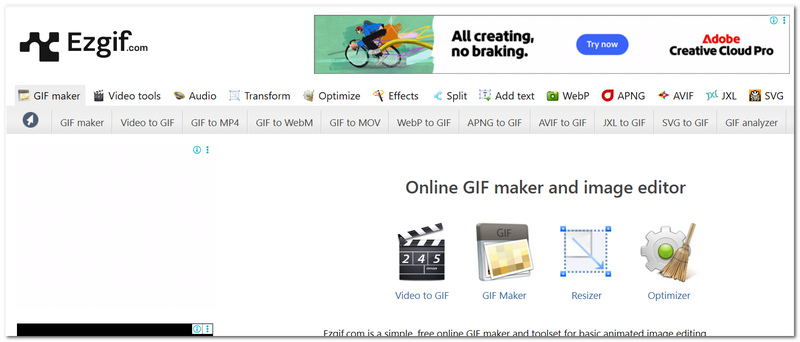
EZGIF is a very straightforward browser tool. It concentrates primarily on editing and converting GIF files. When I tried it out, I thought that the tool was very helpful with quick jobs because it can be opened fast and it does not confuse its users with complex settings. It is a handy choice if you only want to transform short animated GIFs into MP4 files in a flash.
Pros
Cons
My Usage Experience
While testing it, I noticed the conversion process was pretty quick for short GIFs. On the other hand, bigger or high-motion GIFs displayed a bit of compression, some grainy dots, and a couple of tiny playback hiccups after being exported. Nevertheless, it is done conveniently for quick online tasks when you basically want to convert GIF to video Photoshop alternatives without downloading heavy software.
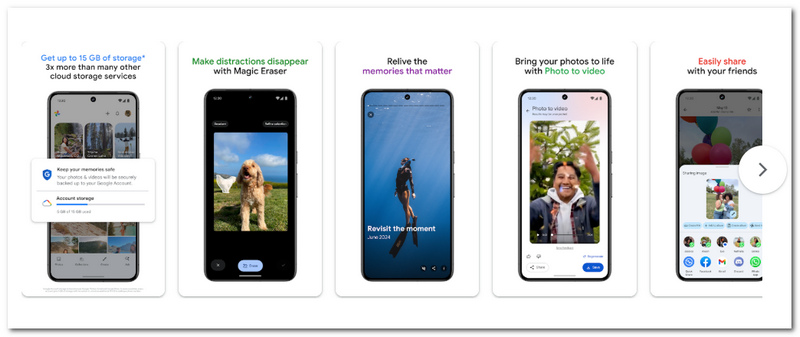
Photos is a handy choice for iPhone owners looking for a quick method to work with GIFs and convert them into videos ready for sharing on the go. I was glad it comes pre-installed on iOS, as that means no requirement for an additional app to do simple conversion and editing.
Pros
Cons
My Usage Experience
When I tried it, the whole conversion thing seemed pretty effortless and suitable for someone who had never done it. The final videos that I exported were generally fine, only I saw a slight compression and less sharp details on the bigger animated GIFs. Anyway, it is as good as a simple GIF to video converter for occasional use on mobile.
Shortcuts is an iOS native automation tool that allows users to make workflows for turning GIFs into videos on iPhone. It is perfect for those who want an automated solution but refrain from third-party apps.
Pros
Cons
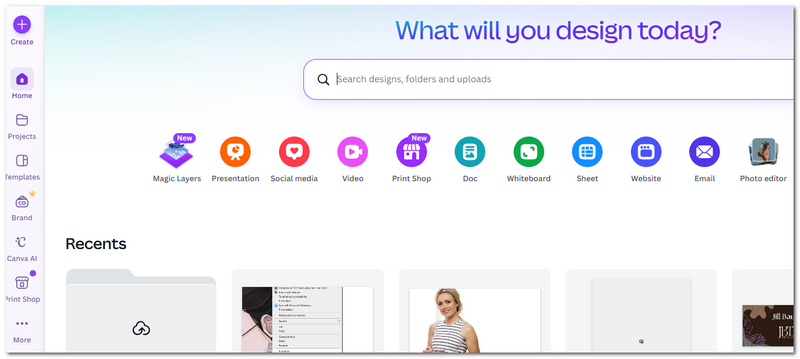
Canva does more than help you create designs. It can actually be used pretty effectively in making GIFs into engaging videos ready for sharing. It was a great help, especially when I wanted to make eye-catching social media posts since it gave me the option to insert music text effects, and transitions while changing my GIFs to MP4 files.
Pros
Cons
My Usage Experience
I found the conversion process very smooth and quite easy to personalize. The MP4 output looked quite neat generally however highly edited projects revealed minor compression after export. Nevertheless, it remains a good choice if you want to convert GIFs to video on Windows 10 and at the same time produce social media content.
Why does my converted MP4 look blurry compared to the original GIF?
Most of the time, this is the result of a converter drastically compressing the file or reducing the resolution at the time of export. Using a higher bitrate and exporting in HD can help you keep the quality.
Can I add music when converting a GIF into a video?
Indeed. Many converters are capable of importing background music or other audio sources when converting GIF to MOV, MP4, or AVI.
Which video format is best for converted GIFs?
MP4 is typically the top pick since it strikes a nice balance between quality, file size, and compatibility with a variety of devices and social media outlets.
Conclusion
The best converter for GIF to video depends on what you prioritize most. If it is quality, speed, or the ability to edit, then online converters will work perfectly, or desktop converters will be more appropriate. You just need to pick the converter that works best for you, and you will be able to convert animated GIF to video.
 A Detailed Guide on How to Make a GIF from a Video Quickly
If you are looking for how to make a GIF, this article will give you the detailed guides. Then you will find making a GIF is a piece of cake.
 GIF Viewer - Top Free GIF Player on Windows, Mac, Android and iOS
How to view and play GIF images? This article lists best GIF viewer for you to play GIF on Windows 10/8/7, Mac OS X, Android and iOS.
 5 Best Animated GIF Cutters for Windows, Mac, and Online
Is there a free GIF duration cutter with no watermark? How can I cut animated GIFs online? This post recommends five web-based and desktop GIF trimmers for you.
 Leave your comment and join our discussion
GIF Converter
Best Video to GIF Converter Best GIF to Video Converter Convert GIF to WebM Best GIF to JPG Converter Convert GIF to MOV Convert GIF to WMV Convert GIF to PDF Convert PNG to GIF Convert MOV to GIF Convert Video to GIF Free Video to GIF Converter Convert MP4 to GIF Convert SWF to GIF Convert WebM to GIF Screen to GIF Image to GIF Converter Live Photo to GIF Convert JPG to GIF
Video Converter Ultimate is excellent video converter, editor and enhancer to convert, enhance and edit videos and music in 1000 formats and more.
100% Secure. No Ads.
100% Secure. No Ads.

*Required field
*Please enter a valid email

