
Best For: Professionals, creators, and anyone wishing to record WAV audio with flexible recording controls and high‑quality output.
Aiseesoft Screen Recorder
 100% Secure. No Ads.
100% Secure. No Ads.
Discovering an accurate WAV recorder is not a straightforward affair of downloading the first recording program that comes to your mind. Trying various commonly used applications, I observed that most of them can perform recording tasks. Still, not every program brings the same degree of sound quality, recording features, or format compatibility. Some programs are clearly made for professional‑level recordings, whereas others are only there to make quick audio captures. In this article, I'll put five WAV recorders to the test for audio quality, supported formats, ease of use, and overall performance. Later on, you'll find the recorder that perfectly suits your requirements, no matter whether you're making a music CD, recording a meeting, or capturing a top‑level voice.
How We Test and Review WAV Recorders
Instead of merely looking at features to evaluate the quality of these recorders, I took into account how well they did under typical recording scenarios. Each recorder was tested by getting voice and system audio recordings and comparing the results. I checked for things like output quality, how accurately WAV files were recorded, how easy they were to use, the number of recording options, file formats for export that were available, and general reliability of the tool. From this, I was able to determine exactly which recorders gave the best clean recording results consistently across different recording situations.
A quality .wav recorder is not the kind that just records a piece of audio and saves it in WAV format and nothing else. Rather, you're going to want a program that captures sound without any quality loss due to compression, is easy on your system's memory, and can handle lengthy recording sessions smoothly.
Best WAV Recorders at a Glance
| WAV Recorder | Best For | Platform | Key Strength |
| Aiseesoft Screen Recorder | Professional audio recording | Windows, macOS | High‑quality WAV recording with flexible audio source selection |
| Audacity | Audio editing and recording | Windows, macOS, Linux | Powerful recording and post‑production tools |
| WavePad | Editing recorded audio | Windows, macOS | Built‑in audio editing with multiple export options |
| Voice Recorder Pro | Quick voice recording | iOS | Simple interface with high‑quality voice capture |
| RecForge II | Mobile WAV recording | Android | Advanced recording controls for portable audio capture |
Given that each audio recording software has a different approach to audio recording, I didn't evaluate them based on one feature. I checked how effective they were at recording WAV files in real‑world recording scenarios and factors like recording quality, ease of use, formats supported, and features that are of the highest value to different groups of users. Below are the five recorders that impressed me most in my assessment.
Best For: Professionals, creators, and anyone wishing to record WAV audio with flexible recording controls and high‑quality output.
Rating:5 / 5
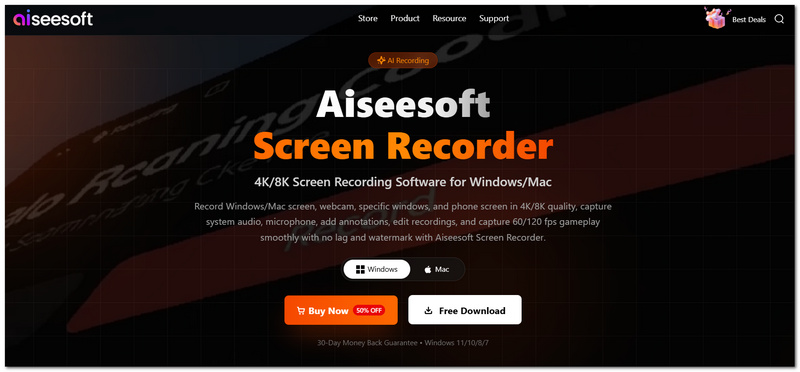
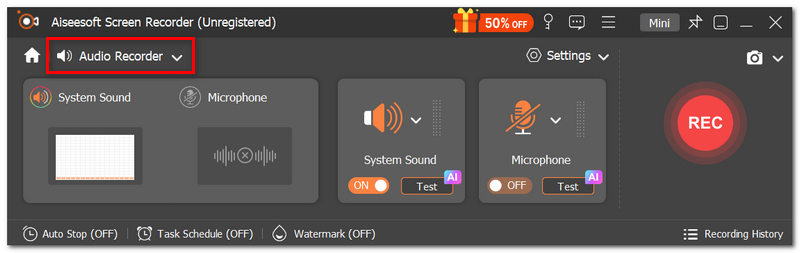
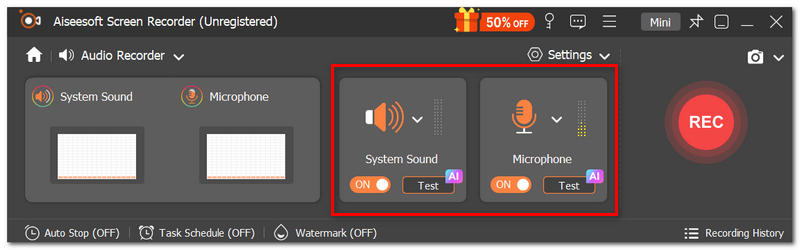
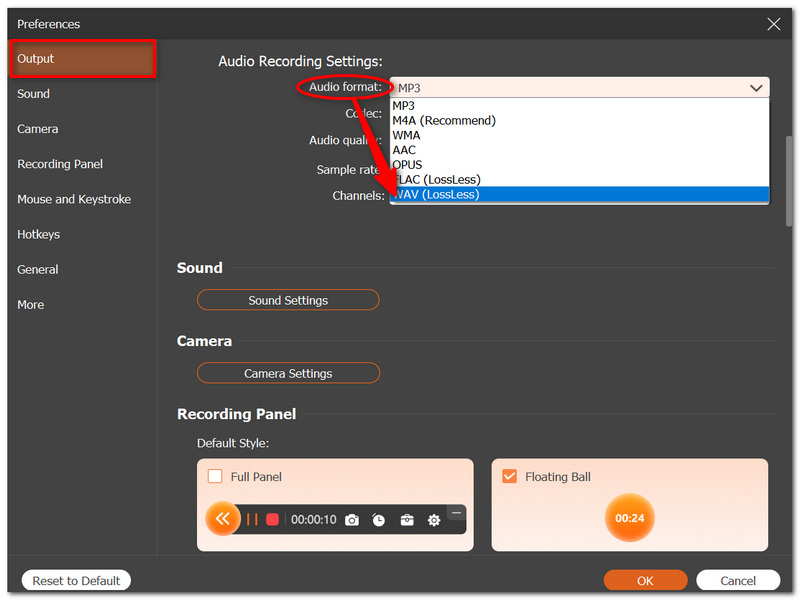
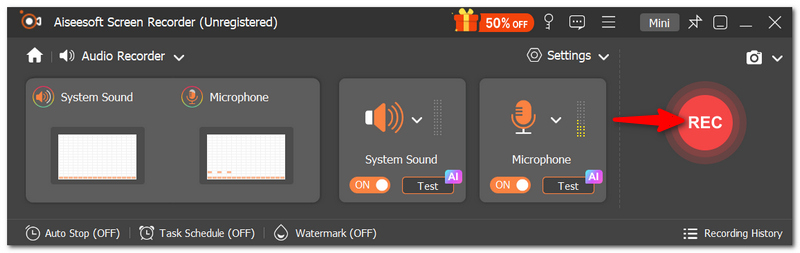
Aiseesoft Screen Recorder can be thought of as a great screen and audio recorder that can pick up your system sound, microphone, or even both at the same time. One thing I mainly like about it is that you can have good quality recordings in WAV format, without any distortion or noise, for example, podcasting, online meetings, tutorials, etc. This software is really a very nice professional project audio tool.
100% Secure. No Ads.
100% Secure. No Ads.
Supported Formats
PROS
CONS
Best For: People who are going to work on high‑level audio files, such as using music‑making podcasts, audio restoration, and want to have advanced features for editing and recording WAV files.
Rating:4.5 / 5
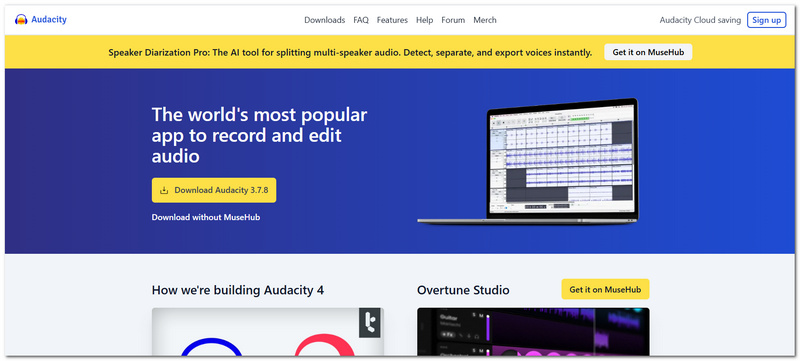
Audacity is an open‑source audio recorder editor that is a free programme for you that offers a set of advanced audio editing functionalities. During my evaluation, I found that the quality of WAV recording was excellent, with precise editing capabilities in trimming, noise removal, and audio enhancement.
Supported Formats
PROS
CONS
Best For: Anyone who wishes to carry out WAV recording and edit their recordings within one software and thereby save themselves the hassle of switching tools.
Rating:4 / 5
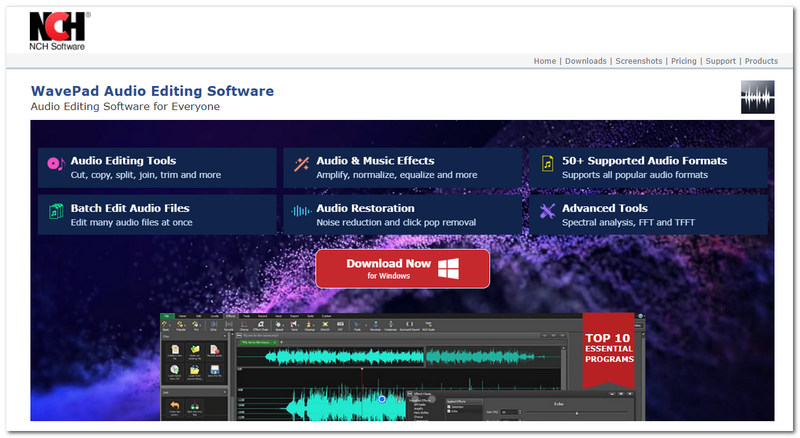
WavePad integrates audio recording with a full set of editing features. So, it is suitable for those who often go back to their recordings and make corrections once the recording is done. The tests I did showed that the software can make WAV recordings with almost no glitches, and it also offers fast access to editing functions to fix problems in the audio file and improve its quality.
Supported Formats
PROS
CONS
Best For: iPhone and iPad users looking for a straightforward Voice Recorder WAV option to record lectures, interviews, and voice notes while you are out and about.
Rating:4 / 5
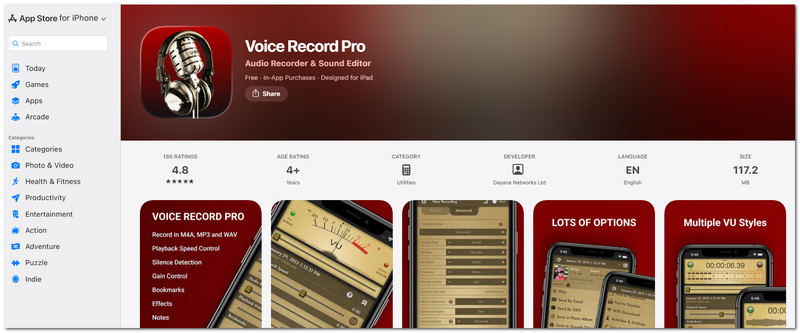
Voice Recorder Pro is an iPhone recording application with a focus on capturing clear audio at high quality with minimal hassle. During my testing, Voice Recorder started recording in a jiffy and produced very clean WAV files. It was not even necessary to get to the settings screen for it to function perfectly.
Supported Formats
PROS
CONS
Best For: Android users in search of the best WAV recorder Android app with advanced recording controls and audio settings customization.
Rating:4 / 5
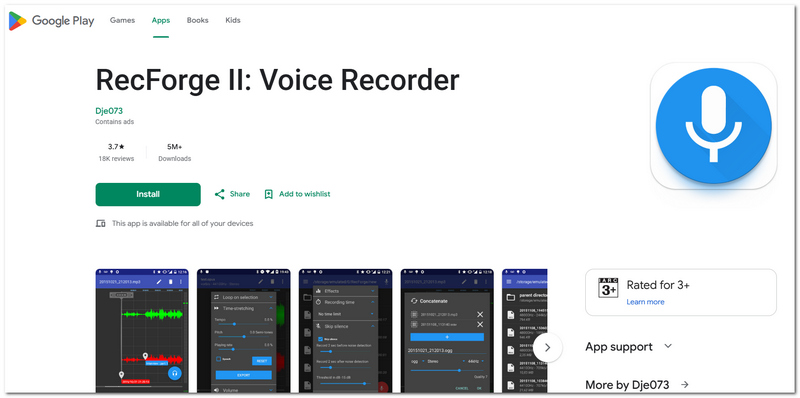
RecForge II is an Android app developed for users wanting to have more influence over their audio recordings. While I tested the app, I was delighted as the output audio files were of high resolution and quality. It also had many options with sample rate, bitrate, recording quality, and such. Because of this, the app is quite appropriate for field recording, interviews, and other audio projects.
Supported Formats
PROS
CONS
As you can see, recording audio in WAV format neither involves using complicated software nor requires technical knowledge. After you have prepared your equipment, recording WAV files will turn into a simple task that only takes a few clicks.
Can we update a WAV file by simply making a new recording without removing the old one?
The usual workflow of WAV recorders is to start a new file for each recording to protect against undesired data deletion. Rewriting a recording on top of a previous one is quite an unexpected capability.
Why doesn't my WAV file occupy a smaller space than an equivalent MP3 recording?
Because WAVs keep pure audio with no compression, all sound data is retained. Such high‑quality audio comes at a heavy price in file size.
Where should I store my lengthy WAV recordings to avoid having them scattered?
Label the files with dates or project names and save them in the appropriate folders. That will be the fastest and easiest way after you have been doing some recordings.
Conclusion
Selecting the suitable recorder will change depending on your needs, but the end objective will remain the same. Stable, good‑quality sound. Through the features and recommendations laid down in this article, you will be able to pick the best device for your case and record WAV file audio with the best possible audio quality for your work.
 Best WAV Player to Play WAV Files Freely
This article recommends the 10 best WAV players for Windows PC/Mac, which enable you to play WAV files freely.
 Ultimate Guide to Converting MP4 to WAV with Five Methods
Can Windows Media Player convert MP4 to WAV? How do you turn your MP4 video into a WAV file? Learn five ways to convert MP4 to WAV with high sound quality.
 3 Effortless Ways to Make Your WAV Louder
If you want to make WAV louder and don’t know how, no worries. Check our post and learn 3 ways to increase WAV volume easily.
 Leave your comment and join our discussion
Screenshot Tips
Screenshot in Windows Media Player Screenshot Entire Webpage Screenshot Part of Screen Screen Record instagram Story Where are Steam Screenshots Saved Screenshot a Video Screenshot Alcatel Take a Screenshot on Lenovo Take Screenshot on HP Take a Screenshot in Minecraft Take a Screenshot of Google Chrome Use Snagit Scrolling Capture to Take Full-Page Screenshot Take Screenshots Surface Pro Screenshot on HTC Screenshot on Firefox Crop a Screenshot on Mac Crop Screenshots on Windows
Aiseesoft Screen Recorder is the best screen recording software to capture any activity like online videos, webcam calls, game on Windows/Mac.
100% Secure. No Ads.
100% Secure. No Ads.

*Required field
*Please enter a valid email
