4K/8K Screen Recording Software for Windows/Mac
Record Windows/Mac screen, webcam, specific windows, and phone screen in 4K/8K quality, capture system audio, microphone, add annotations, edit recordings, and capture 60/120 fps gameplay smoothly with no lag and watermark with Aiseesoft Screen Recorder.
30-Day Money Back Guarantee • Windows 11/10/8/7
30-Day Money Back Guarantee • Mac OS X 10.13 or higher
 4.0
4.0
 4.5
4.5
 5.0
5.0
 4.0
4.0
 4.0
4.0
 Screen Recorder
What makes Aiseesoft Screen Recorder stand out is its ability to capture any screen without quality loss. It supports resolutions up to 8K, offers over 20 video and audio output formats, and features AI-powered webcam background removal for a cleaner, more professional look.
Multi-Mode Recording
Record exactly what you need with flexible capture modes using this screen/sound capture tool. Whether you want to record gameplay while browsing other windows, capture a minimized window, perform full-screen recording, select a custom screen area, or record your webcam with just 1 click, it can handle it all. With this desktop screen recorder for Windows/Mac, you can quickly switch between modes to record presentations, software demos, or any specific application window.
Recording Modes:





Next-Gen 8K Recording at 120 FPS
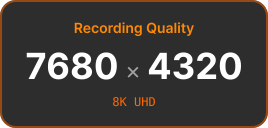
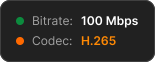
Aiseesoft Screen Recorder can capture videos in up to 8K resolution and record high-motion scenes with support for up to 120 FPS, ensuring smooth and lag-free performance. You can adjust the codec to H.265 for optimized HDR content recording, and choose to record from 5–120 FPS with a 1–10s keyframe interval. This screen recording software also supports adjusting bitrates, sample rates, and audio channels for a fully customized preference. It is highly recommended for anyone looking to record videos in 8K, capture fast-paced action, or create HD tutorial content.



20+ Video/Audio/Image Output Formats
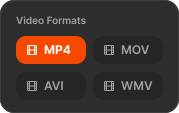
Save your recordings in the format that works best for your workflow with Aiseesoft Screen Recorder. It supports 20+ output formats, including video formats like MP4, MOV, MKV, WMV, F4V, MPEG-TS, WebM, GIF, audio formats such as MP3, M4V, WMA, AAC, OPUS, FLAC, WAV, and screenshot formats like PNG, JPG, BMP, TIFF, and more. With such high compatibility to export videos in the format you need easily, this Mac and Windows screen capture tool ensures seamless integration with video editing software, social media platforms, and media players.


Record Webcam with AI Background Effect
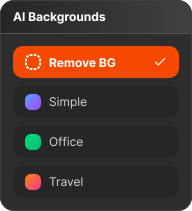
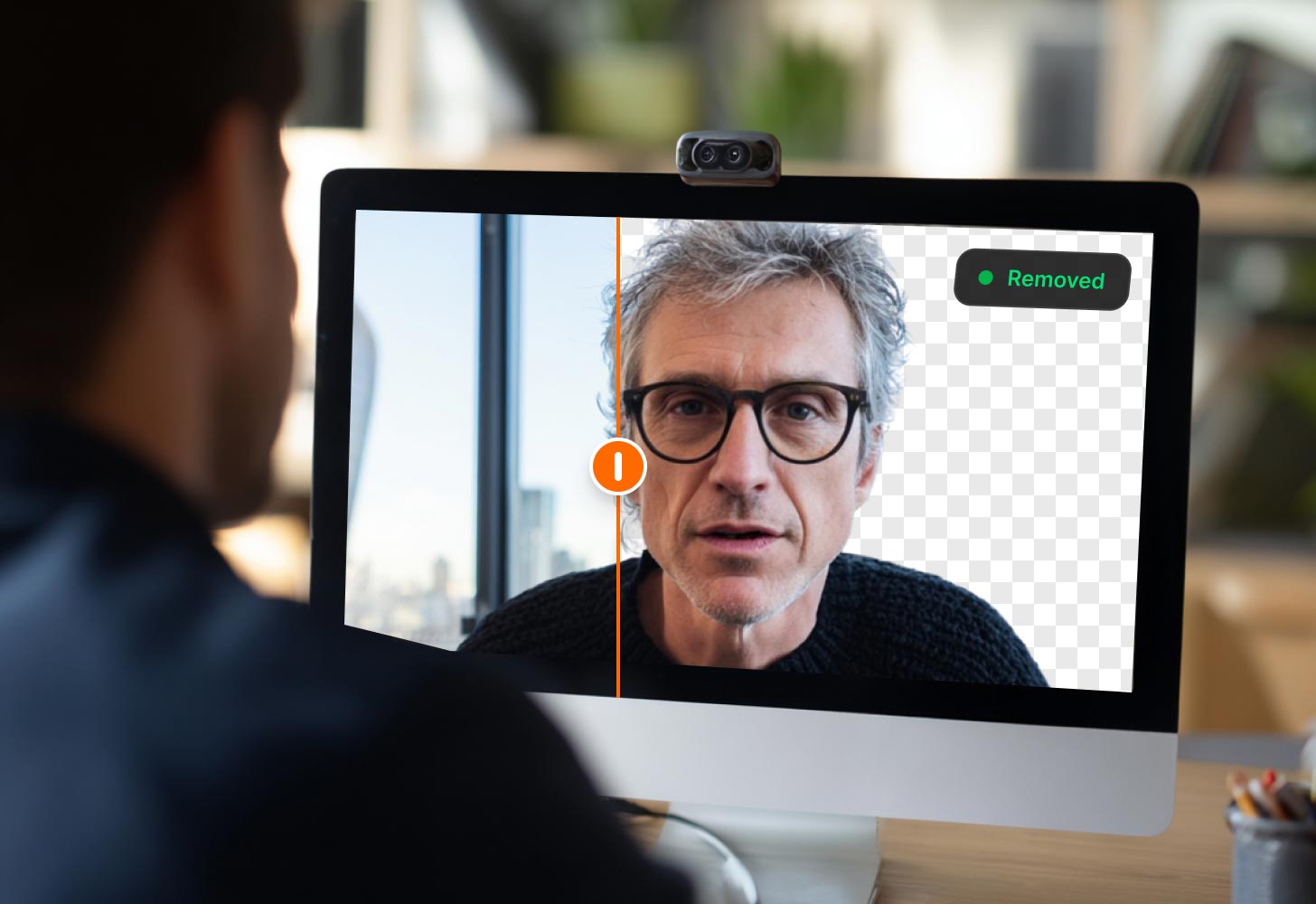
You can also record webcam videos for presentations, tutorials, and online meetings with this webcam recorder’s advanced AI background removal and replacement. This feature allows you to use AI to auto-create clean, professional-looking videos in 1 click without the need for a physical green screen or troublesome video background removal in post-production. Note this feature requires an NVIDIA GeForce RTX 20 Series graphics card or higher to function.





Record with Real-time Annotation
While recording your screen using this powerful screen capture software, you can easily enhance your videos in real time by adding arrows, text, shapes, highlights, images, serial numbers, and even whiteboards to make your content more engaging and clear. You can also use a magnifier and focusing tool to draw attention to key details instantly, emphasizing important points for viewers easily.


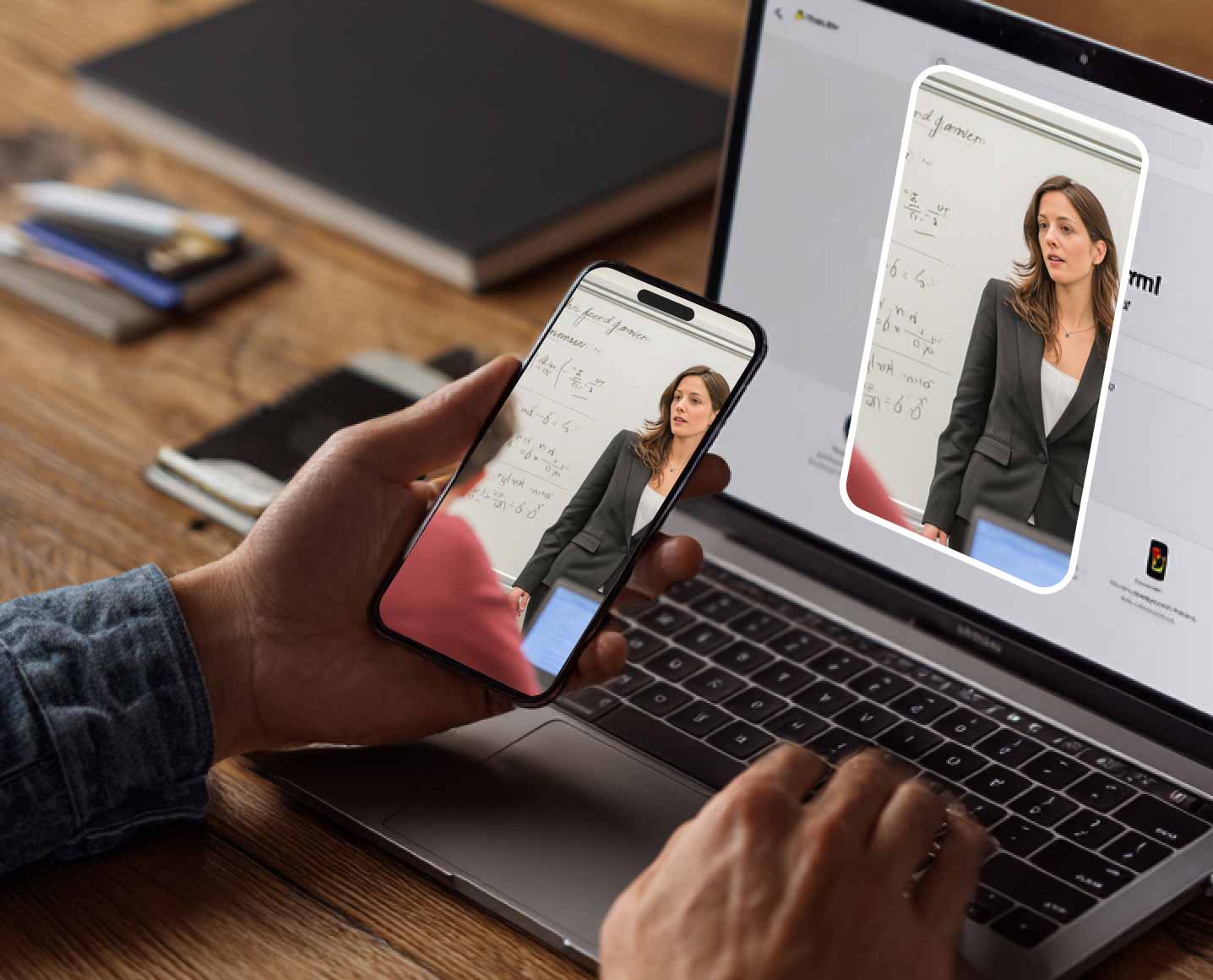
Mirror and Record Your Phone Screen Exclusive Feature
Aiseesoft Screen Recorder includes a powerful phone recording option that allows you to mirror and capture your iPhone or Android screen directly on your computer. Therefore, you don’t need to record your mobile gameplay, app demonstrations, and other phone screens before transferring them to your computer for further editing. Simply connect your phone wirelessly or via USB, mirror the screen, and start recording in high quality.
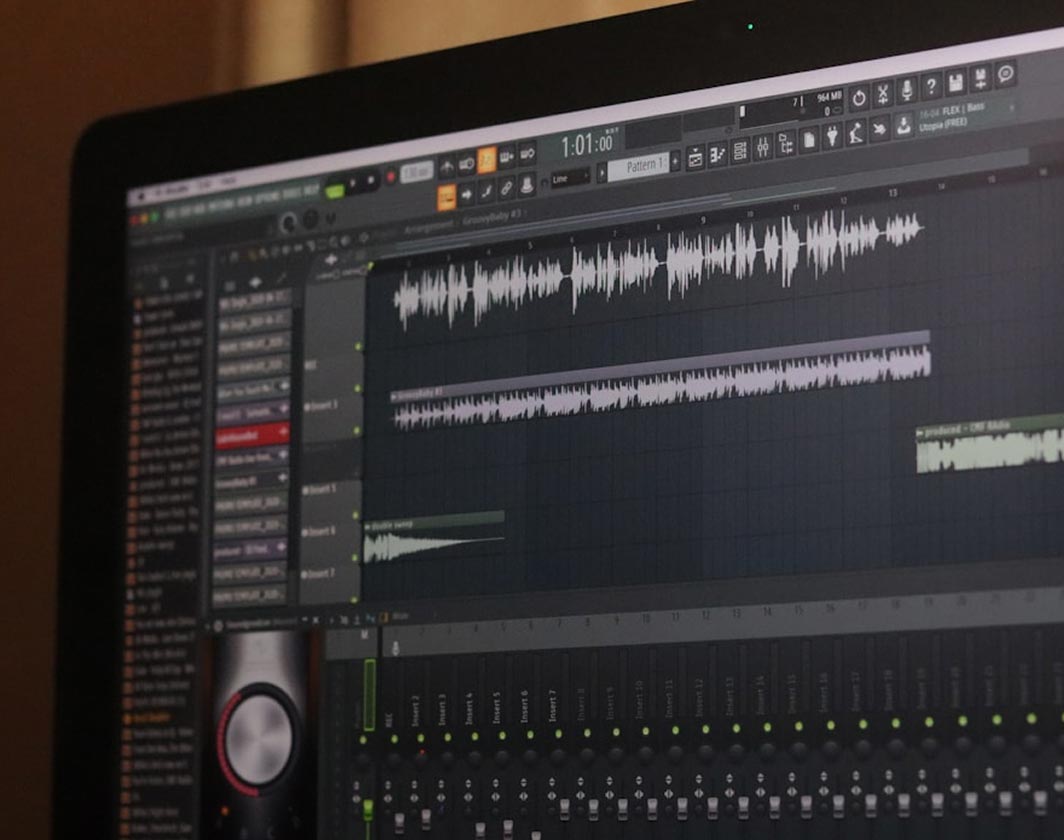
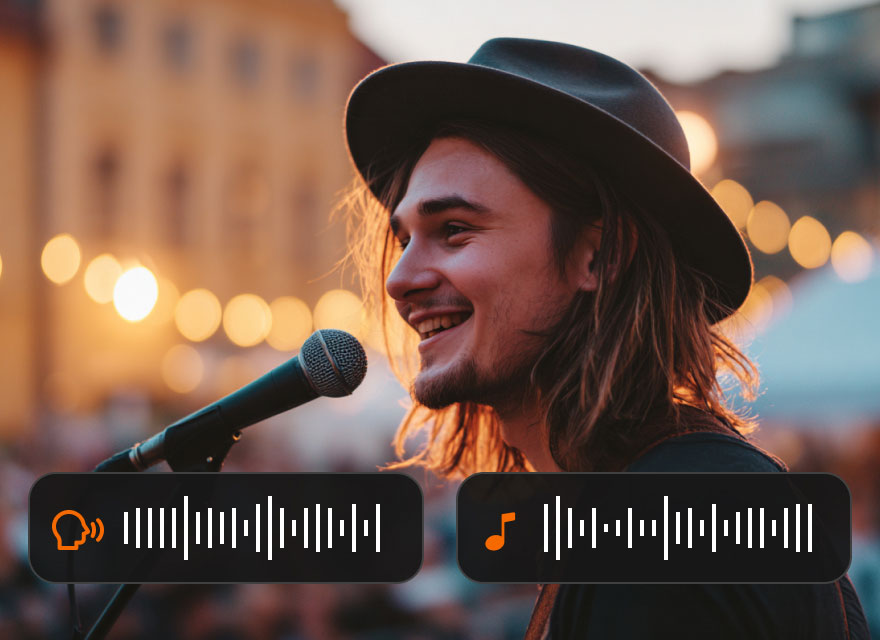
Dual Audio Track Recording
Aiseesoft Screen Recorder can also work as a great audio recorder. It can record system audio and microphone input simultaneously while maintaining separate control over each track. You can select your audio device, adjust the recording volume, and set the delay time of the recorded audio. It also allows you to test the audio effect in advance to make sure the recording performance is the best. This dual-audio recording tool can record your voice and system sound with a clear and balanced effect.

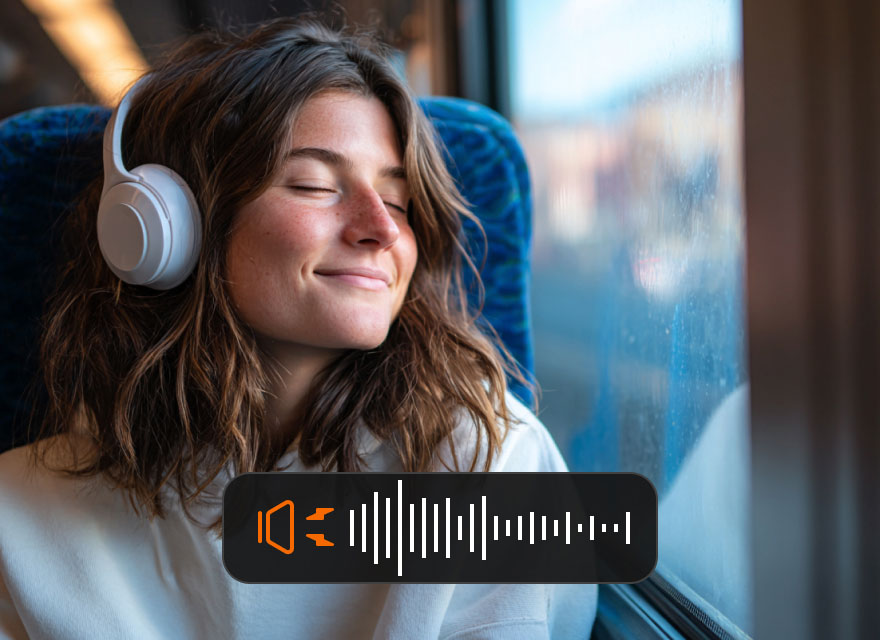
AI Audio Enhancement
AI Noise Reduction: Automatically remove background noise such as keyboard sounds, fan noise, or environmental distractions, ensuring clear voice recordings.
AI Echo Cancellation: Eliminate echo and audio feedback during recordings, delivering cleaner and more natural sound, especially when recording online meetings or voiceovers.
Discover more advanced tools designed to make screen recording easier and more efficient.
Mouse Click Highlight
Our video recorder supports highlight mouse clicks, helping your audience or students clearly see every action and follow every step. This is helpful when you want to make tutorials, software demonstrations, and online presentations.
Scheduled Recording
Schedule your screen recording tasks in advance and let Aiseesoft Screen Recorder automatically start and stop recording at the set time. So that you don’t need to manually set a recording at an inconvenient time, saving you more trouble.
Custom Hotkeys
Create custom shortcuts with this screen/audio recorder to quickly start, pause, stop recordings, switch recording panel, hide recording bar, etc., improving workflow efficiency and making it easier and faster to capture your screen.
Screenshot Capture
Aiseesoft Screen Recorder also enables you to capture screenshots instantly, including scrolling screenshots for long webpages or documents and pop-up menu capture for tutorial screenshots.
Lossless Audio Output
Record high-quality audio with this best audio recorder in formats like FLAC and WAV. You can also adjust the audio bitrate, audio quality, sample rate, and audio channels to present the best sound performance
Recording Preview & Quick Edit
This recorder also enables you to preview your recordings immediately. After recording, you can quickly improve your video by trimming, merging clips, compressing file size, converting formats, and editing metadata.
Aiseesoft Screen Recorder is designed for a wide range of recording needs across education, content creation, and professional work.
Online Teaching & Course Recording
Gameplay Recording & Content Creation
Online Meetings & Remote Presentations
Work Monitoring & Task Recording
Personal Recording & Life Sharing
Online Teaching & Course Recording
Record lectures, tutorials, and educational videos using specific screen capture, webcam recording, and annotation tools. Teachers and trainers can easily create engaging learning materials and professional instructional content for students.

Gameplay Recording & Content Creation
Capture gameplay in up to 120 FPS and record commentary simultaneously with this game recorder with no lag. It is perfect for YouTube creators, streamers, and gaming enthusiasts who want to produce high-quality gameplay videos.

Online Meetings & Remote Presentations
Record video conferences, webinars, and presentations with this screen capture recording software for later review or easy sharing with colleagues and clients, making it simple to create professional meeting recordings.
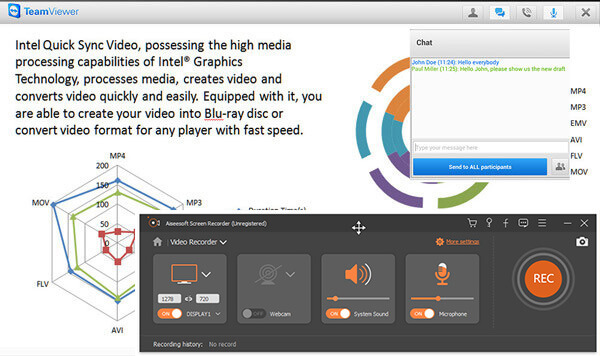
Work Monitoring & Task Recording
Track work processes, record software operations, and document workflows with Aiseesoft Screen Recorder for training, tutorials, or project management, making it easy to create clear and professional instructional content.
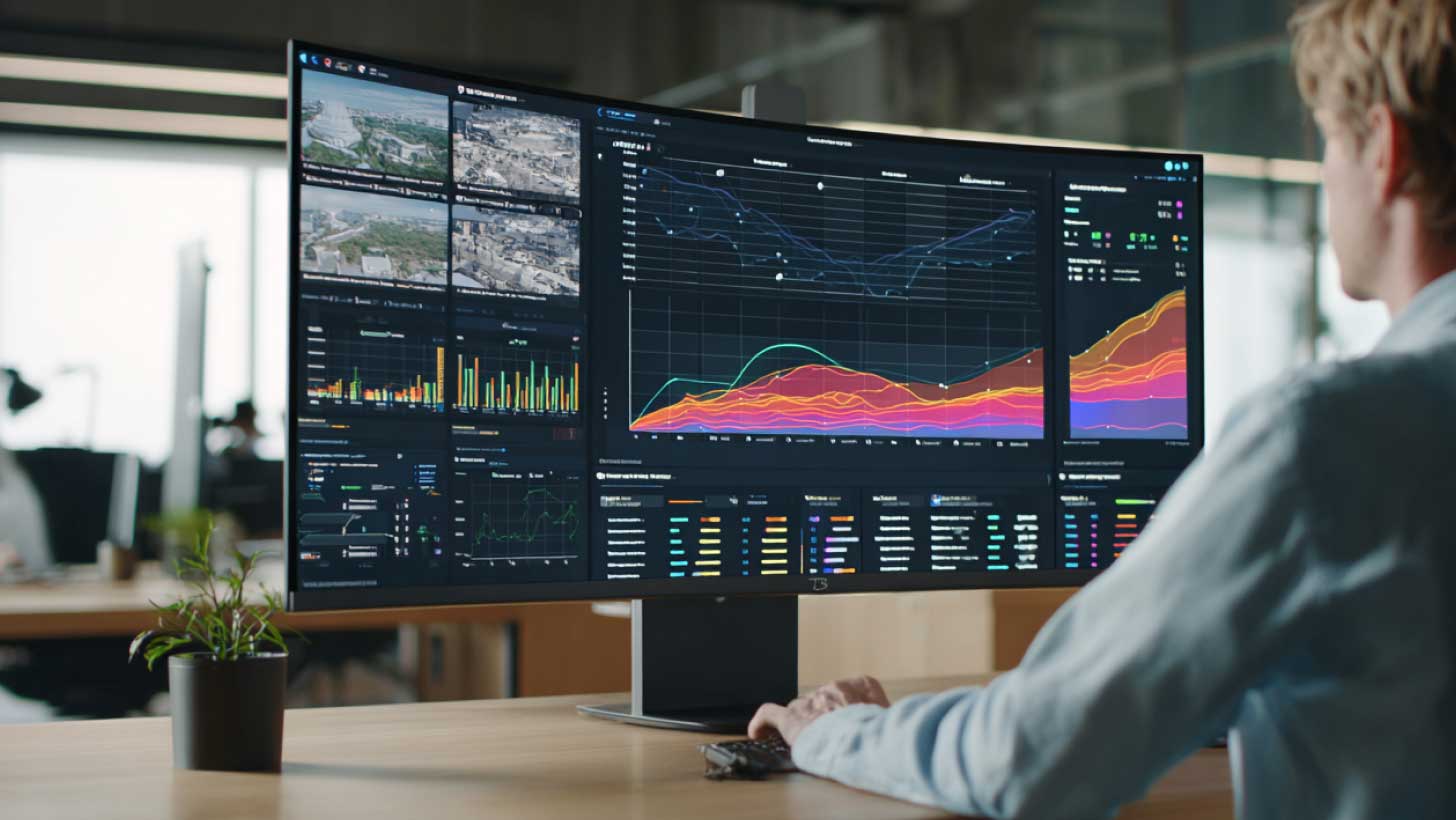
Personal Recording & Life Sharing
Capture memorable moments such as video calls, live streams, online events, and personal videos with this screen and sound recorder for Windows/Mac, making it easy to share with friends or on social media and create high-quality, shareable content.

This Screen Recorder app is fantastic. It captures high-quality recordings with ease, making it perfect for both personal and professional use. Highly recommended!
I've used several screen recording apps, and this one stands out. The interface is user-friendly, and the recording process is smooth and efficient. Definitely worth a try!
I'm incredibly impressed with this Screen Recorder app. The features are robust, and the recording quality is excellent. It's my go-to tool for all my screen recording needs.
This screen recorder is really cool. It grabbed videos from sites where downloads didn't work.
As a game streamer, I need a screen recording software that supports 60fps recording. Aiseesoft Screen Recorder is perfect for me! It records without any lag, and the audio-video sync is spot on. It’s been a great tool to capture my best gameplay moments. 5 stars!
As a content creator, I need a pro recorder that’s easy to use and delivers excellent results. Aiseesoft Screen Recorder records high-quality videos, and the export process is quick and simple, significantly helping me create tutorials and how-to videos.
Can I record system audio and microphone at the same time?
Yes! You can record both system sound (from your computer) and microphone audio simultaneously, making it ideal for tutorials, commentary, or gameplay streaming.
Does it have a time limit for recordings?
No, there’s no strict time limit. You can record as long as your system storage allows. You can also schedule recordings to start and stop automatically.
Can I record in high frame rates for gameplay?
Yes, the software supports high FPS recording, including 60 FPS and up to 120 FPS for smooth gameplay capture.
Is Aiseesoft Screen Recorder safe to use?
Yes, Aiseesoft Screen Recorder is safe, malware-free, and widely trusted by users for professional and personal recording needs.
Download Aiseesoft Screen Recorder now to experience 4K/8K screen/audio/phone recording at up to 120 fps with advanced AI features.
Windows 11/10/8/7 • 30-Day Money Back Guarantee
Mac OS X 10.13 or higher • 30-Day Money Back Guarantee

*Required field
*Please enter a valid email